AI Tools
SilverSafe AI Review: SAM, the Scam Checker Older Adults Can Call or Text
SilverSafe AI review: older adults call or text SAM at 844-8-ASK-SAM to check suspicious calls, texts and links, with caregiver alerts and 2 free checks.
CodeHype8 min read
Phone and text scams aimed at older adults usually rely on one thing: urgency. A caller says a grandchild is in trouble, a bank account is frozen or a package is stuck, and the person is pushed to act before they have time to think. The best defense is often a pause and a second opinion.
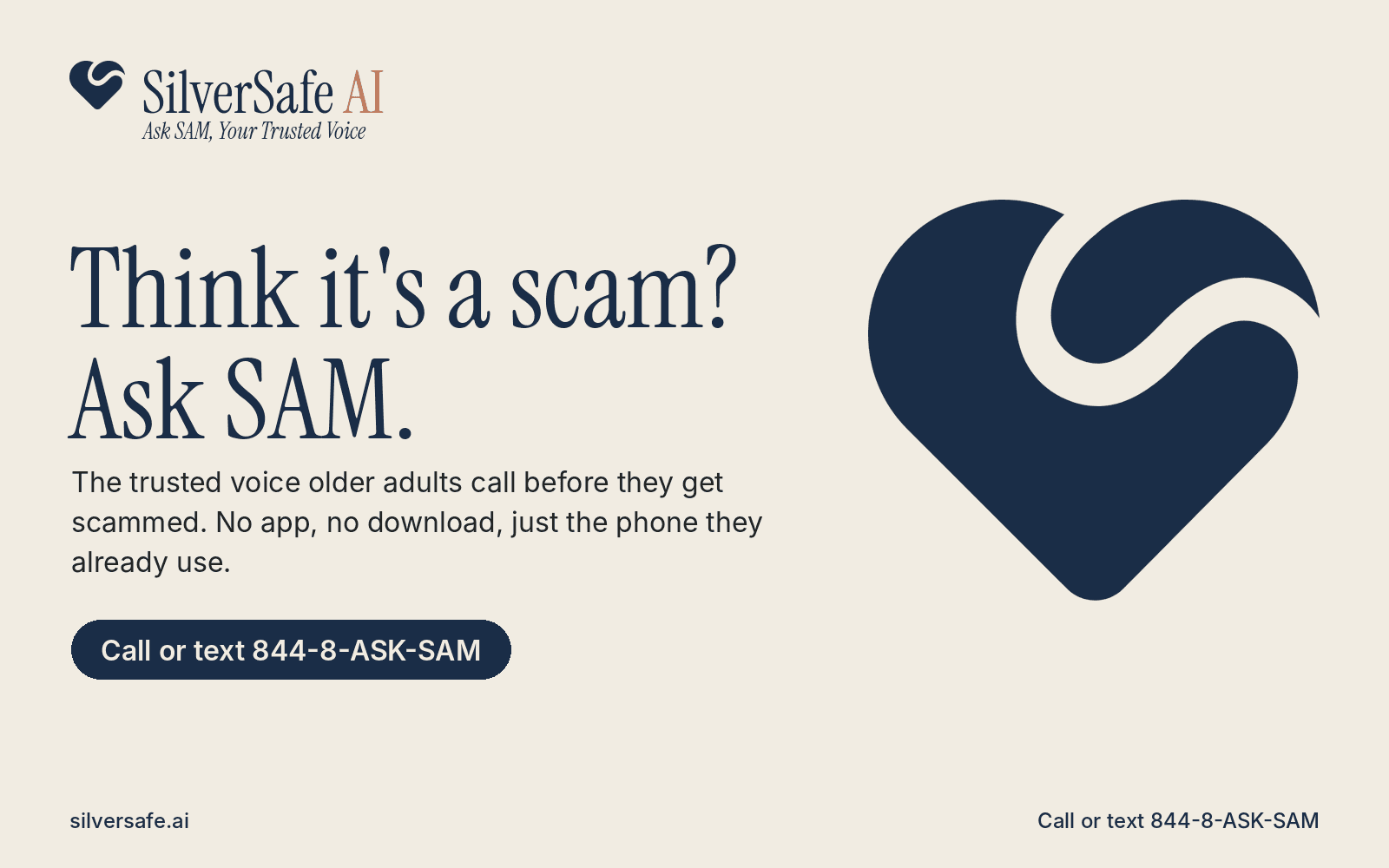
SilverSafe AI is built around that pause. Its AI companion, SAM, is something older adults can call or text, just as they would call a trusted friend, to describe a suspicious call, text or link. SAM asks questions, points out red flags and suggests what to do next. Family members can be alerted when something looks urgent. You can learn more on SilverSafe AI's official website.
This review covers how SAM works, what it checks, how caregivers are involved, what the plans cost and where its limits are.
What Is SilverSafe AI?
SilverSafe AI offers scam protection for seniors through SAM, which stands for Secure AI Monitor. SAM is an AI-powered companion, not a person, and you reach it by calling or texting 844-8-ASK-SAM. There's no app to install and nothing to download, so it works with the phone an older adult already uses. The website says SAM is available 24 hours a day.
SAM is built for older adults first, but families, caregivers and anyone who wants a second opinion on a suspicious message can use it.
The company behind it is Shieldsoft Technologies LLC. Its founding team includes:
- Lisa Perez, co-founder, a speech-language pathologist with more than 20 years of experience serving older adults
- Daren Dean, co-founder for security and trust, who spent eight years in the United States Navy and leads security, privacy and data protection
- Cleous Hamilton, founder and CEO, who has built businesses across several industries for more than two decades
SilverSafe AI is listed in the AI category on CodeHype, where you can see its SilverSafe AI product listing.
Key Features of SilverSafe AI
Ask SAM by Phone Call or Text
The main way to use SilverSafe AI is to call or text SAM. You can:
- Describe a call, text or voicemail in your own words and get a plain-English answer with next steps
- Send a screenshot of a suspicious message
- Paste a link you aren't sure about
Instead of just giving a verdict, SAM explains why a call or message feels off, and the website says it stays on the line until you feel sure. That matters for an audience that may be anxious or embarrassed after a scary call.
What Kinds of Scams SAM Can Help With
According to the FAQ, SAM can help with suspicious calls, texts, emails, websites, links, QR codes and social media messages, as well as romance scams and AI-generated scam content.
The Scam Detector for Links and Images
On the website, the Scam Detector lets you paste a link or upload an image. It checks for warning signs, including whether an image looks AI-generated, and returns a list of warning signs with a suggested next step. That's useful for fake product photos, impersonation images and suspicious websites.
Caregiver Alerts and Family Visibility
Adult children and caregivers can be linked to an account. Family members can be notified when a parent asks SAM about anything urgent, and the CodeHype listing describes a family dashboard where caregivers can see past checks.
Privacy controls are clearly defined. Linked caregivers can see call summaries, risk labels for texts and photos, scam alerts, reminder details and home and travel cities. Full conversations are visible only if the older adult turns sharing on, and caregivers can be changed or removed at any time.
Wellness Check-In Calls
The Essential Plus plan includes wellness check-in calls along with caregiver alerts, according to the pricing page.
Scam Education: Daily Quiz, Scam Center and Alerts
SilverSafe AI also offers learning tools:
- A Daily Scam Quiz with a short question each day, plus streaks and a safety score
- A Scam Center on the website
- Email scam alerts when a new scam is going around, and a free weekly newsletter called Ask SAM Weekly
According to its CodeHype listing, SAM can also help document a scam and find the right place to report it, and Spanish support and Canada availability are coming soon.
How SilverSafe AI Works
- Something suspicious happens, such as an unexpected call, a text with a link, or a voicemail asking for payment.
- Call or text 844-8-ASK-SAM before acting on it.
- Describe what happened, or send a screenshot or link.
- SAM asks questions and points out the red flags it sees.
- SAM suggests next steps, such as calling the company back on a number you already trust.
- Linked caregivers are alerted if the situation looks urgent, depending on the plan and sharing settings.
What SAM Does Not Do
SilverSafe AI is open about its limits, which is reassuring:
- SAM can't confirm whether a caller, link or message is legitimate. It recommends independent checks, such as calling a company on a number you already know.
- SAM doesn't block calls or texts, and it doesn't filter or interfere with your phone.
- No technology can guarantee complete protection, and the final decision always stays with the user.
SilverSafe AI Pricing
Every phone number gets 2 free scam checks. This is a lifetime total per number, and it includes checks made before signing up. After that, a paid plan is needed.
| Plan | Monthly price | Voice minutes per month | Linked caregivers |
|---|---|---|---|
| Essential | $19.99/month ($15.99/month billed annually) | 100 | None listed |
| Essential Plus | $29.99/month | 200 | Up to 2 |
| Complete | $39.99/month | 300 | Up to 3 |
All three plans include unlimited SMS scam checks, the website and link scanner, screenshot analysis and 10 website scam checks per month. Essential includes weekly safety tip texts. Essential Plus adds caregiver alerts and wellness check-in calls.
Other pricing details:
- 7-day free trial of Essential Plus (monthly) for first-time subscribers. A card is required and is charged when the trial ends unless you cancel.
- Annual billing saves 20%. For example, Essential costs $191.90 per year.
- Extra voice minutes cost $9.99 for 50 or $14.99 for 100. They last until the monthly reset and don't roll over.
- Urgent scam help by phone stays available after monthly voice minutes run out, and texting SAM isn't affected.
- No setup fees, and you can upgrade, downgrade or cancel at any time. Payments are processed through Stripe.
Prices can change, so check the pricing page on the official website before subscribing.
Who Should Use SilverSafe AI?
SilverSafe AI is a good fit for:
- Older adults who get frequent suspicious calls and texts and want someone to check with first
- Adult children and caregivers who want to know when a parent is targeted, without reading every conversation
- People who aren't comfortable with apps, since everything works by phone call or text
- Anyone who wants a quick second opinion on a link, screenshot or message
Advantages and Limitations
Advantages
- No app needed. It works through a normal phone call or text message.
- Built around a pause, which counters the urgency that scams rely on.
- Explains its reasoning in plain English instead of just giving a verdict.
- Respectful caregiver model. Families get alerts and summaries, while full conversations stay private unless sharing is turned on.
- A team with relevant experience in working with older adults, security and building businesses.
Limitations
- Only 2 free checks, after which a monthly subscription is required.
- Not a call blocker. It doesn't stop scam calls from reaching the phone.
- It can't verify legitimacy. SAM gives guidance, and the user still needs to make the final decision.
- Region and language. It's built around a US phone number, and Spanish and Canada support are listed as coming soon rather than available now.
Final Verdict: Is SilverSafe AI Worth It?
SilverSafe AI takes a thoughtful approach to elder fraud prevention. Instead of asking older adults to learn new software, it gives them a phone number to call or text when something feels wrong. SAM's job is to slow things down, explain the red flags and point to a safe next step, while caregivers stay informed without taking away the older adult's privacy.
It's not a call blocker, and it depends on people reaching out before they act. For families worried about a parent being targeted by phone and text scams, the two free checks are an easy way to try it. Visit the official SilverSafe AI website to try SAM or compare the plans.
Frequently Asked Questions
What is SAM from SilverSafe AI?
SAM stands for Secure AI Monitor. It's an AI-powered companion that older adults can call or text at 844-8-ASK-SAM to check whether a call, text, link or message might be a scam.
Is SAM a real person?
No. SAM is an AI companion created by SilverSafe AI. It gives guidance, and the final decision stays with the user.
Is SilverSafe AI free?
Each phone number gets 2 free scam checks in total. After that, paid plans start at $19.99 per month, and Essential Plus offers a 7-day free trial for first-time subscribers.
Do seniors need to install an app?
No. SAM works with a normal phone call or text message, so there's nothing to download.
Can family members see what their parent asks SAM?
Only if a caregiver is linked. Caregivers can see call summaries, risk labels and scam alerts, but they see full conversations only if the older adult turns sharing on.
Does SilverSafe AI block scam calls?
No. SAM doesn't block, filter or interfere with calls or texts. It helps you decide what to do about a suspicious contact.